


Using eVite to Create and Track Signup List
Introduction
This is to show how we can utilize eVite.com to create a signup list and keep track of the people who have and haven't signed up the meeting/event.
How to check the signup list
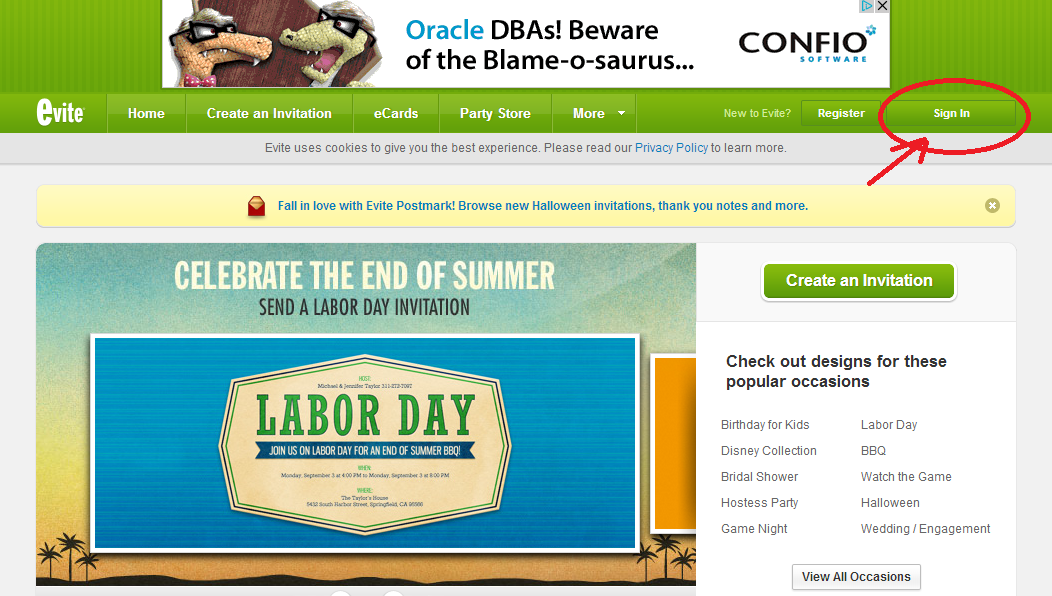
First, please visit http://www.evite.com/ and click on "Sign In" to your upper-right corner.
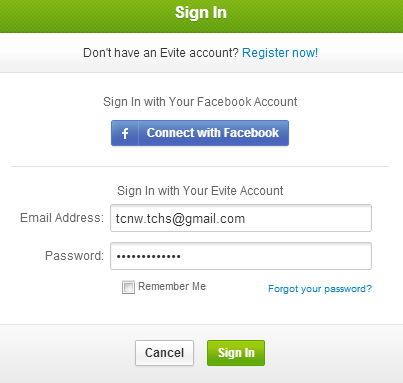
Once the signup form appears, please enter your user name and password.
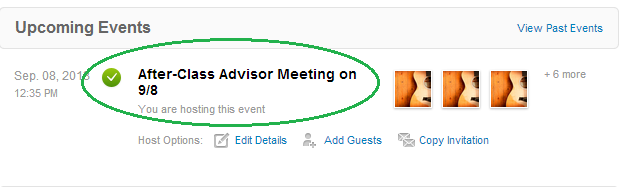
Once you sign in successfully, the upcoming event would show up on the home screen and users can just click on the event to check out the responses.
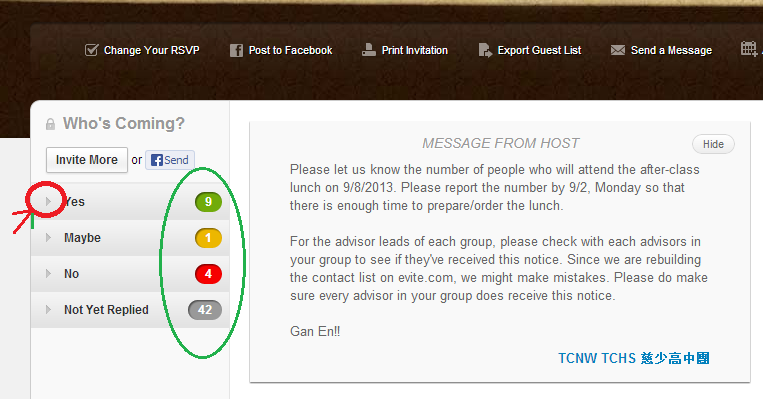
After the event is selected, there shows the signup list and the people who reply "Yes" or "No" to the invitation. Clicking on the triangle handles can expand the list showing the details, like the person who already replied and the number of people who will and will not attend the event.
- jsheu's blog
- 要发表评论,请先登录 或 注册
-



