

How to assign users with a particular role
Topic:
Admin
Description:
This is to show how to assign Drupal users with a particular role. This is a administrative feature.
Before assigning users with a particular role, please make sure users have registered an account at http://glossary.tcnw.org/. If an users needs to be assigned with multiple roles, administrators can repeat the steps in order to have multiple roles assigned to a user.
-
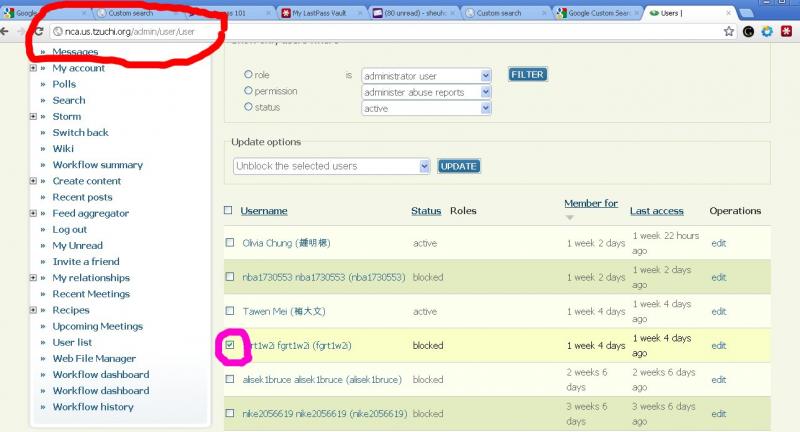
Visit http://glossary.tcnw.org/admin/user/user and select the user(s) to be assigned with a new role
-
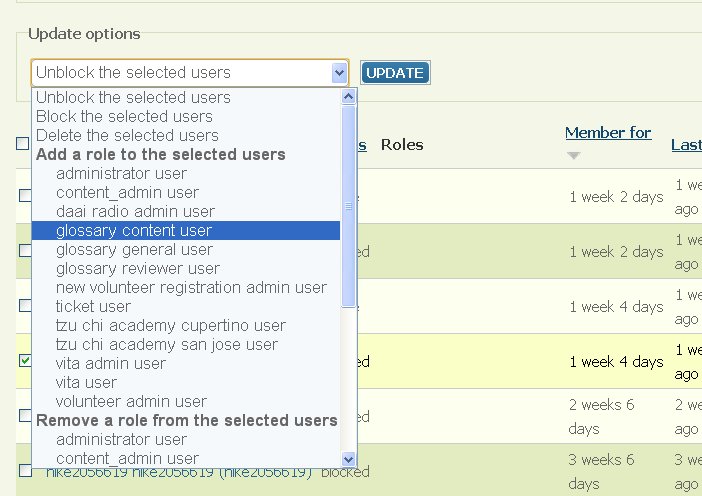
In "Update options", please select the role that is going to be assigned to the user
-
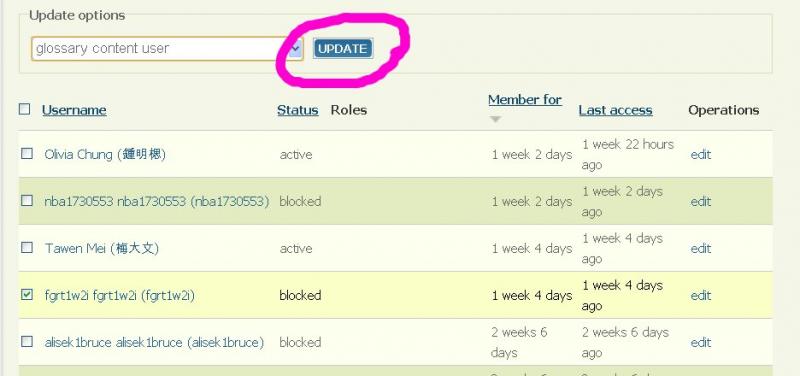
Once a role has been selected, please click "UPDATE" to have the roles assigned to the user.